 DoseWise

Meet DoseWise
Check.Don’t guess.
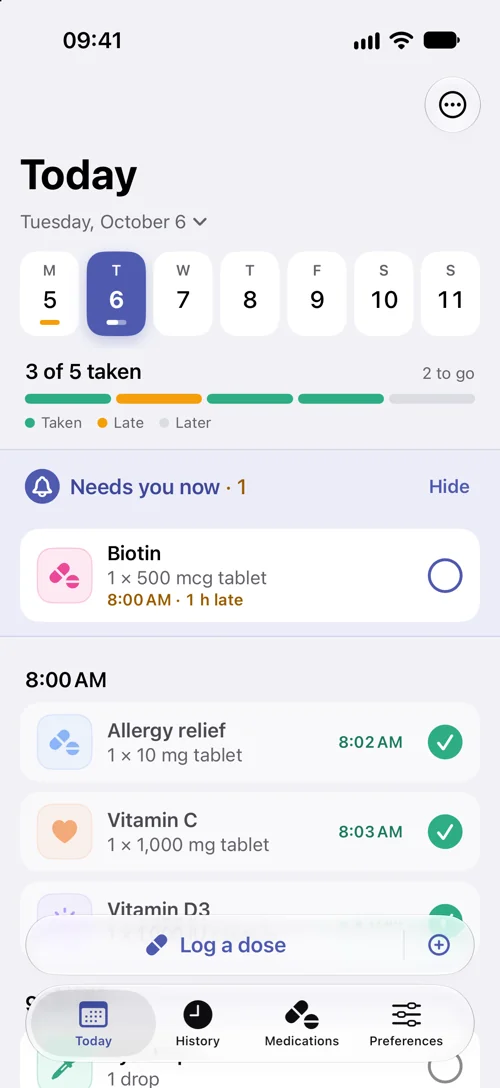
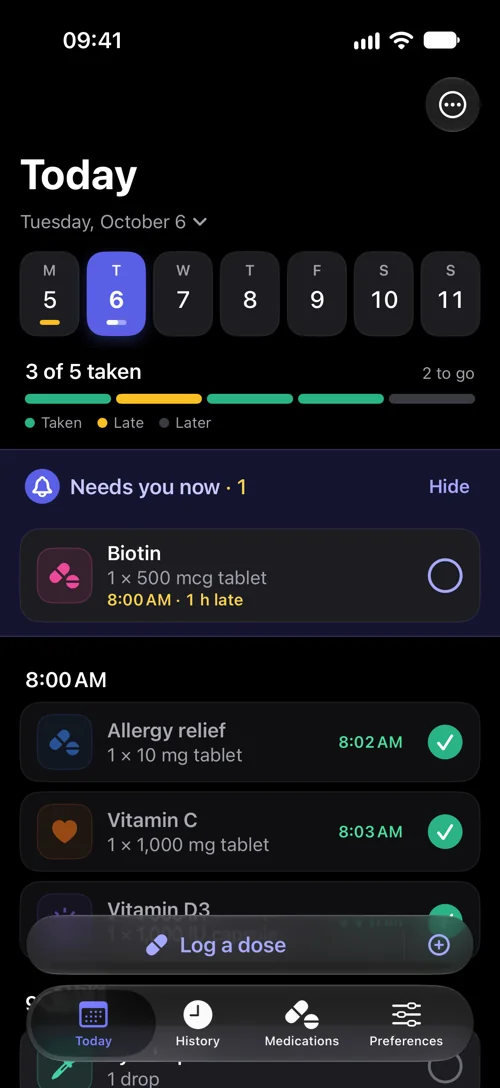
DoseWise is a pill log for iPhone. Log each dose as you take it. The next time you wonder, Today shows what’s taken, what’s late and what’s still to come.
- Every dose with the time you logged it
- What needs you now, at the top
- Yesterday’s misses in their own row
DoseWise shows what you logged. It can’t confirm that a dose was taken.
“How many are left?”
See the refillcoming.
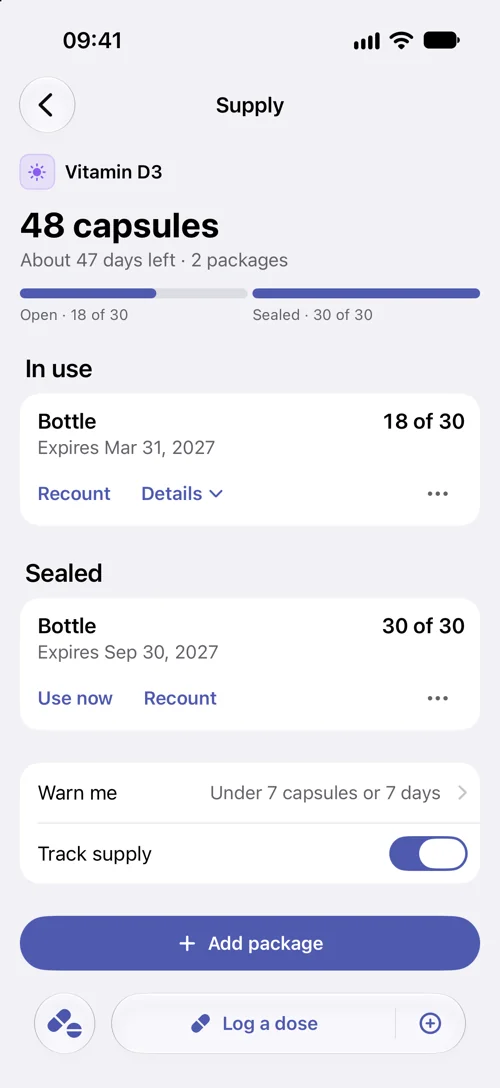
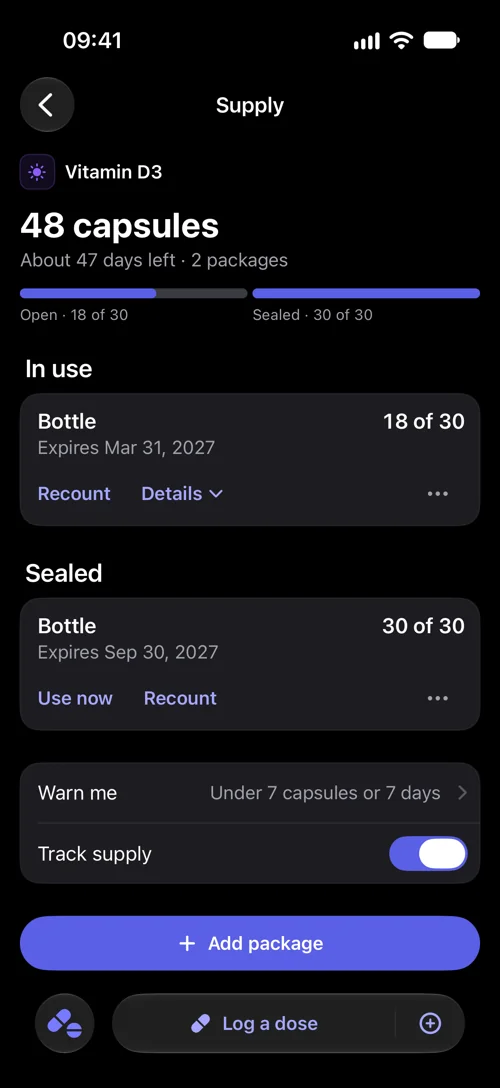
Add your bottles and boxes once. Each dose you log counts down the open one, and DoseWise estimates how many days you have left.
- A days-left estimate per medication
- An expiry date for each package
- Low-stock warnings in the app
Days left is an estimate from your counts, the doses you log and your schedules.
“Did I take it on Monday?”
Every dose,day by day.
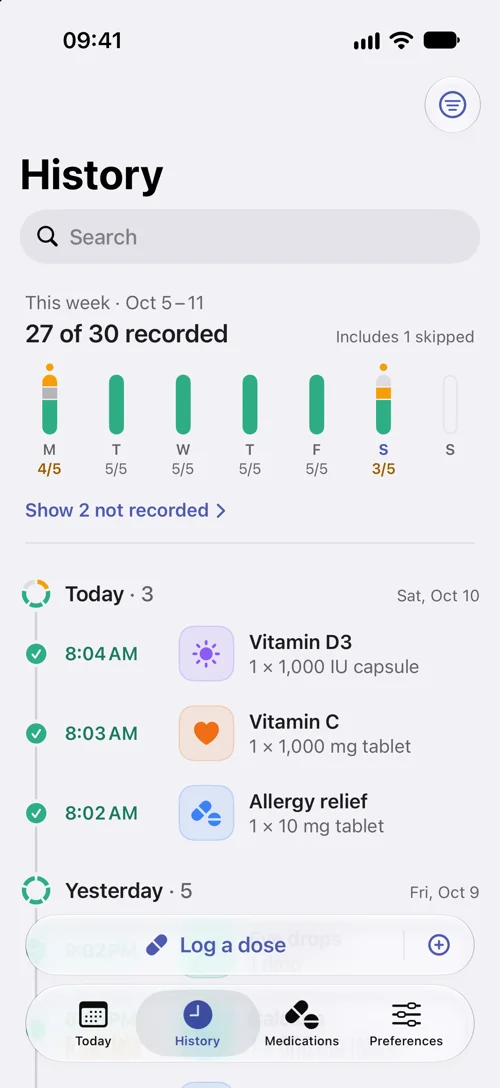
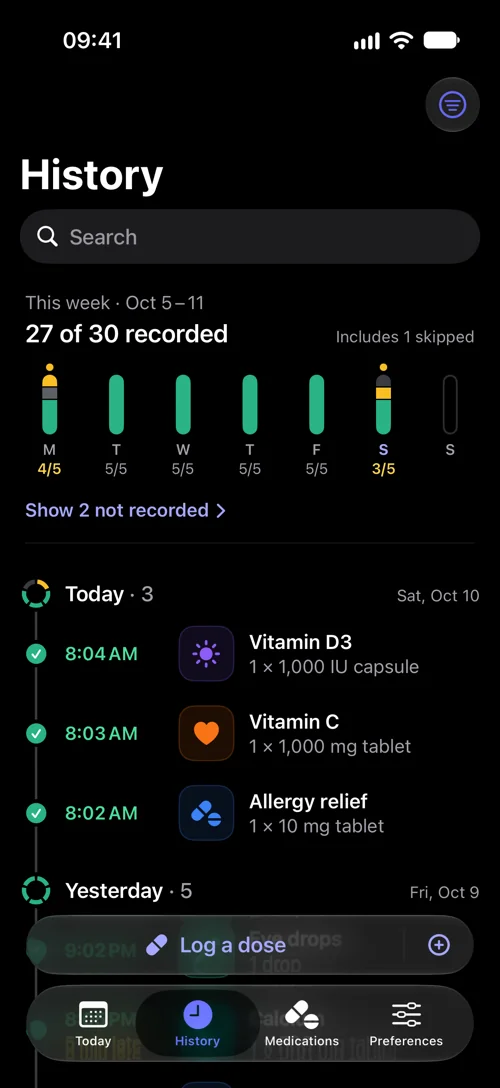
History lists every dose you logged, day by day, with the time you logged it. The week at the top shows what you recorded, what you skipped and which doses have no record.
- This week at a glance, skips included
- Late doses marked with how late
- A dose chart for each medication
“Not recorded” means nothing was logged. It doesn’t mean a dose was missed.
“Is tonight the night?”
Reminders thatknow your rhythm.
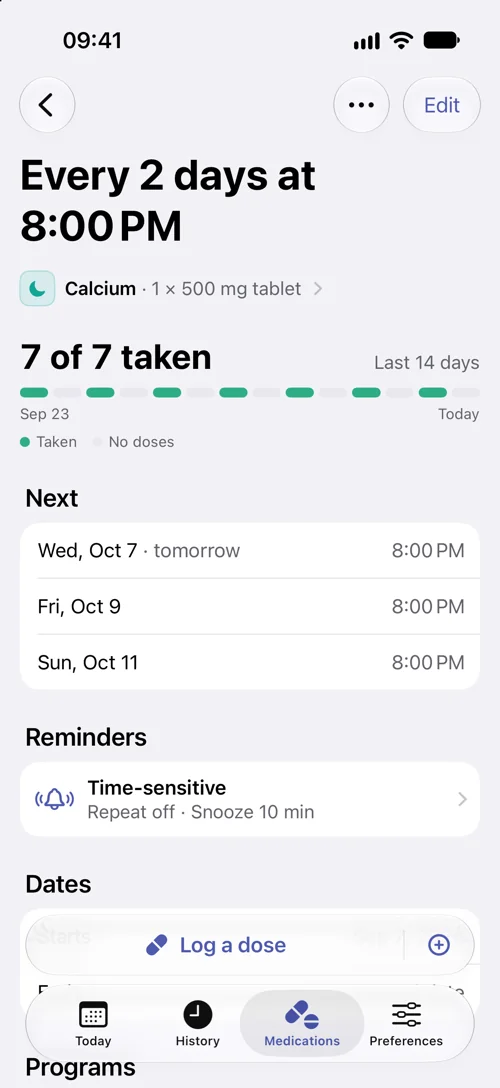
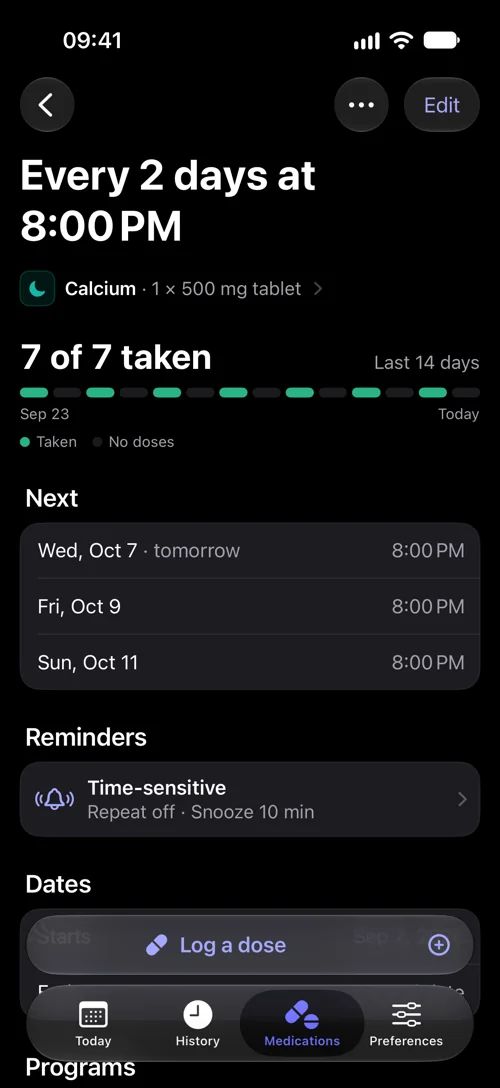
Every other day, weekdays only, three weeks on and one off. Set the pattern once, and DoseWise reminds you on the right days at the time you pick.
- More than one schedule per medication
- A planned stop date when you need one
- As-needed medications without a schedule
Reminders are iPhone notifications, so they follow your notification settings.
“Will I keep it up?”
Logging that fitsa busy morning.
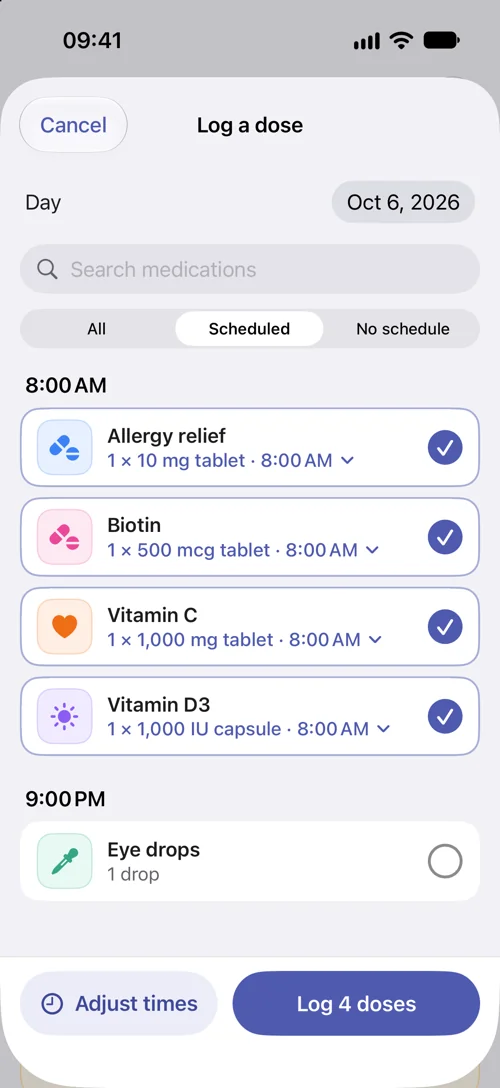
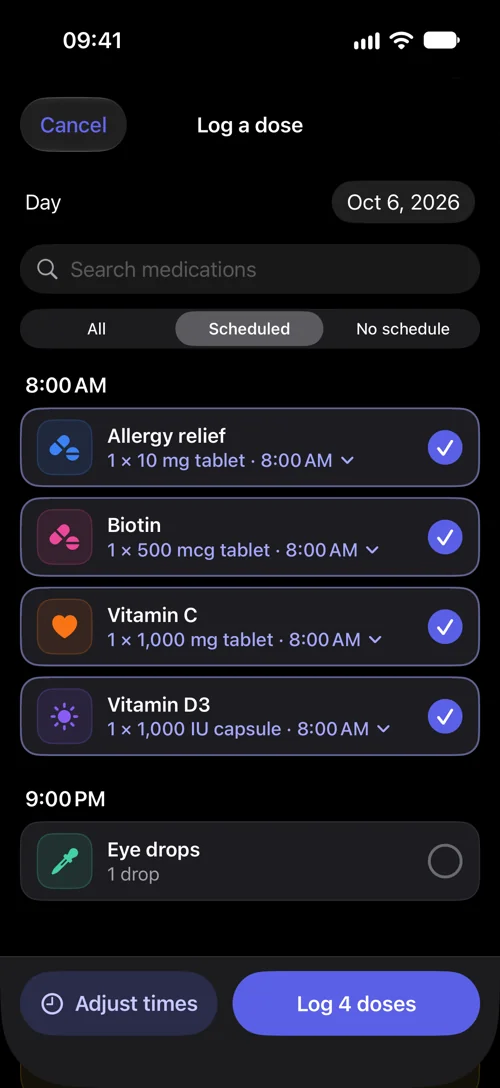
Took everything at breakfast? Select the doses and confirm them together. Forgot to log yesterday? Pick the day and do the same.
- Scheduled doses ready to select
- Change an amount or a time before saving
- Search for anything else you took
Nothing is saved until you tap Log.